GoToPrint / Print humour
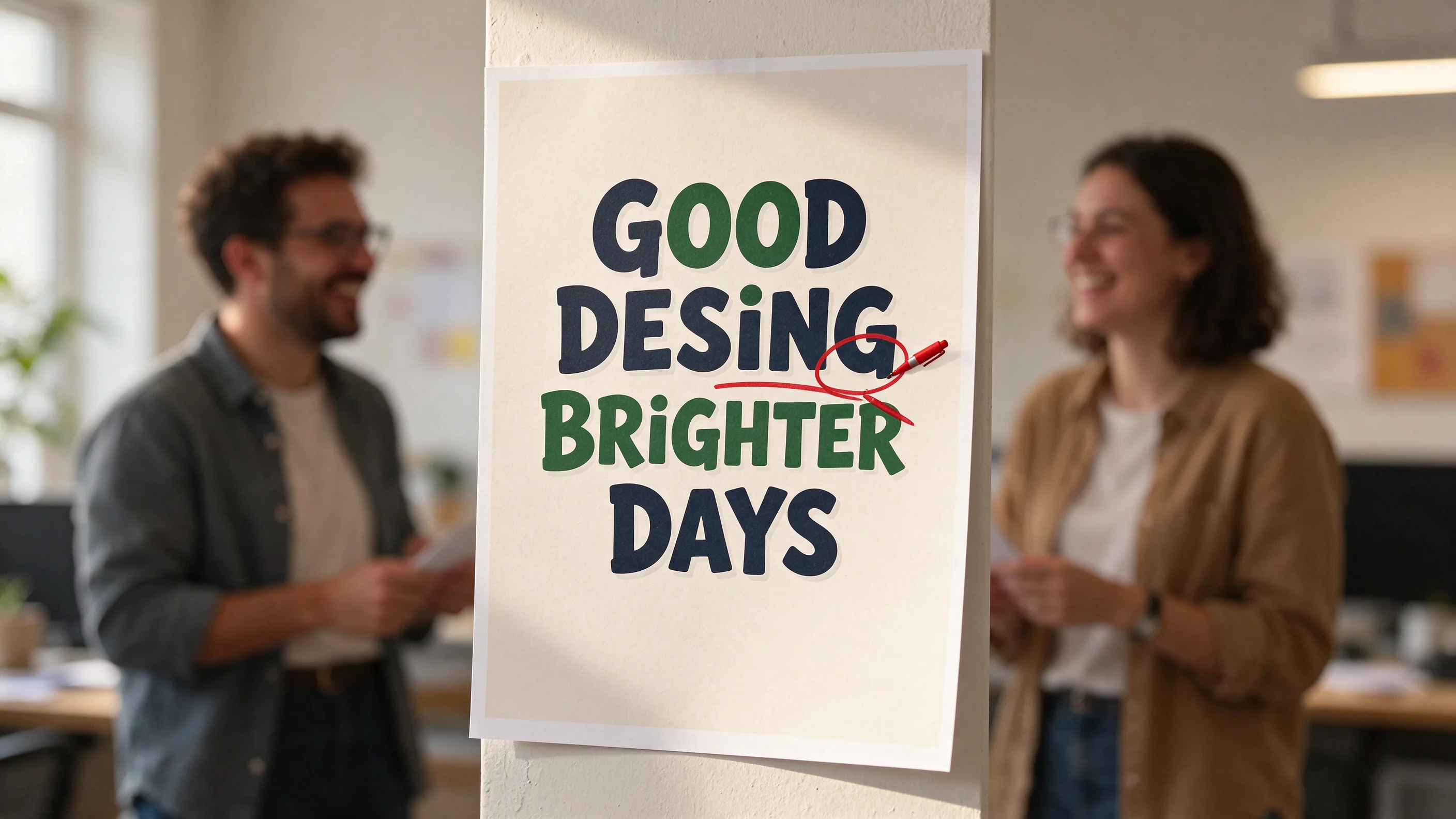
Can you spot the typo? 5 funny printing mistakes to catch before you print
Take a look at Sunday Loaf’s poster. The bakery made a one-letter mistake that spellcheck missed.

“Baked daily.” One letter was off. Both words are spelled correctly, so it takes a reader to catch the joke.
Before you print · Read the headline aloud from the PDF. Ask a fresh reader to compare names, prices and phone numbers with the original copy.
When the trim takes a bite
Here’s the bakery’s loyalty card after trimming. Can you still read the offer on the first one?
Extend the background past the trim line into the bleed to avoid a white sliver. Keep the offer and logo inside the template’s safe area. Use the measurements for the product you’re ordering.
Will that orange look the same on paper?
If that shade of orange is part of your brand, ask about a physical proof on your chosen stock before approving the full run.
One little logo, one big poster
 Tiny web image
 Larger original
A small image can look sharp in an email and fall apart on a poster. Check it at its intended print size. For a logo, use the original vector artwork if you have it.
Which “final” file went to print?
final-final-USE-THIS.pdf sounds convincing until you find another one. Give the approved export a name you can recognise at upload time.
Sunday-Loaf_Poster_18x24in_v03_Approved.pdfOpen that exact PDF and read the headline one last time.
Before you send it to print
Want a second look?
We’ll check your artwork setup for free. You’ll approve the spelling, prices and contact details.